

Why Your Website Isn't Showing Up on Google (And How to Fix It)
April 28, 2026 · By Miro Giovannini
You paid for a website. It looks good. Your business is real. But when you search for yourself on Google… nothing.
This is one of the most frustrating experiences for a business owner, and it is more common than you think. The good news is that in most cases, in my experience, the fix is straightforward once you know what is wrong.
Here are the most common reasons your website does not show up on Google, and what to do about each one.
1. Google Does Not Know Your Website Exists
This is the most basic issue, and it is surprisingly common. If Google has not crawled and indexed your website, it simply will not appear in any search results.
How to check: Go to Google and type site:yourdomain.com. If no results appear, Google has not indexed your site.
How to fix it:
- Create a Google Search Console account and verify your domain
- Submit your sitemap (usually at
yourdomain.com/sitemap.xml) - Request indexing for your homepage and key pages
- Make sure your site does not have a "noindex" tag accidentally blocking search engines
2. Your Website Has No Content for Google to Rank
Google ranks pages based on content. If your website has five pages with two paragraphs each, Google does not have enough information to determine what your site is about or who should see it.
This is especially common with template websites that use stock placeholder text or very generic descriptions like "we offer high-quality services to meet your needs."
How to fix it:
- Write unique, specific content for every page. Describe what you do, who you serve, and where you operate.
- Create individual pages for each service you offer.
- Add a blog with articles that answer questions your customers actually ask.
- Aim for at least 300–500 words of useful content per page.
3. You Are Not Using the Right Keywords
You might have content, but if it does not include the words your customers actually type into Google, you will not match their searches.
A common mistake: a remodeling company in Glendale writes about "comprehensive residential renovation solutions" when their customers are searching for "kitchen remodel Glendale" or "bathroom renovation near me."
How to fix it:
- Think about what your customers would type into Google to find you.
- Include your service plus your location naturally in your page titles, headings, and body text.
- Use Google's autocomplete suggestions (start typing your service and see what Google suggests) for keyword ideas.
- Check what your ranking competitors write about on their websites.
4. Your Website Is Too Slow
Google considers page speed a ranking factor. A slow website ranks lower, and visitors leave before it loads.
How to fix it:
- Test your speed at PageSpeed Insights
- Compress images (photos should be under 200KB each)
- Use a modern hosting provider with good performance
- Remove unnecessary plugins, scripts, and animations
- Consider a site rebuild if your platform is fundamentally slow
5. Your Website Is Not Mobile-Friendly
Google uses mobile-first indexing. If your site does not work well on a phone, Google will rank it lower — even in desktop search results.
How to fix it:
- Test your site on your own phone. Can you read everything? Can you tap buttons easily? Does the layout look right?
- Use Google's Mobile-Friendly Test
- If your site is not responsive, it likely needs a redesign
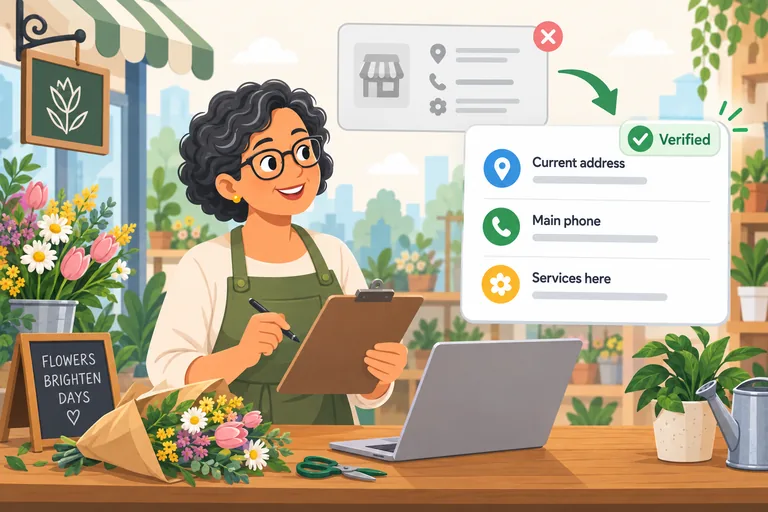
6. You Have No Google Business Profile
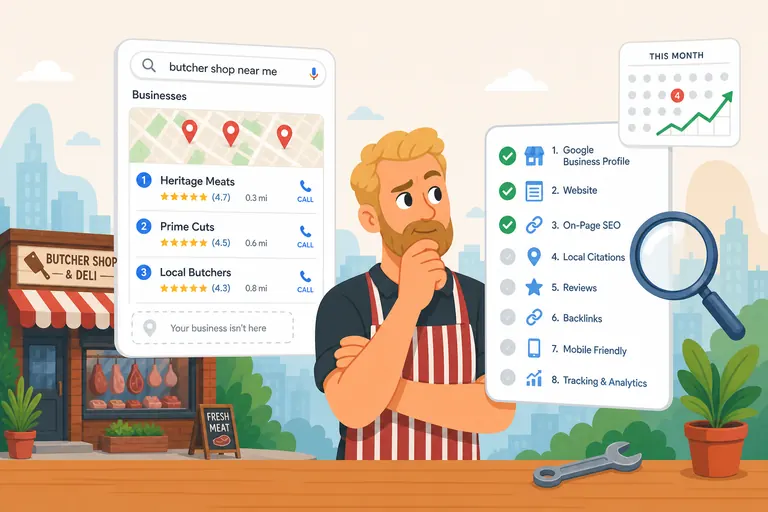
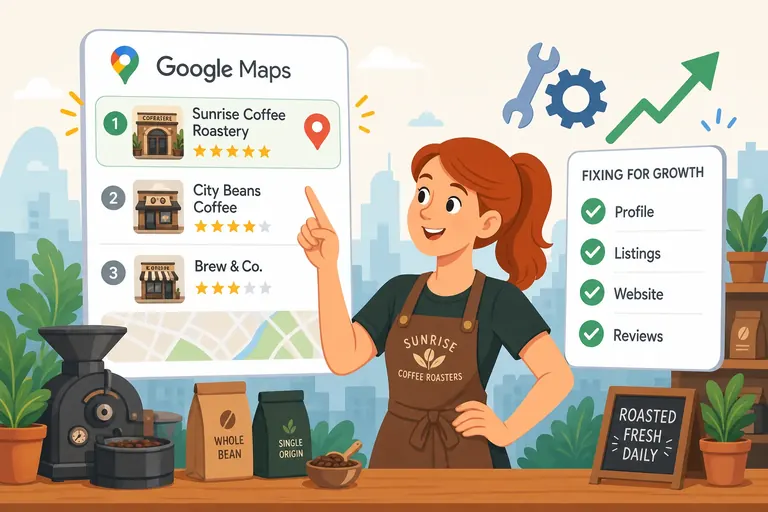
For local businesses, your Google Business Profile is often more important than your website for appearing in local search results. The map pack — those three businesses with the map that appear at the top of local searches — is powered by Google Business Profile, not your website.
How to fix it:
- Claim or create your Google Business Profile at business.google.com
- Complete every field: business name, address, phone, hours, categories, description
- Add real photos of your business
- Ask happy customers to leave reviews
- Post updates regularly
7. Your Competitors Are Simply Doing More
Sometimes your website is fine, but your competitors have been investing in their online presence for years. They have more content, more backlinks, more reviews, and better-optimized websites.
How to fix it:
- This is where consistent effort matters. SEO is a long game.
- Publish one helpful blog post per month
- Earn one new customer review per week
- Make sure every service you offer has its own detailed page
- Get listed in local directories (Yelp, BBB, industry-specific listings)
The Quick Checklist
If your website is not showing up on Google, work through this checklist in order:
- ☐ Is your site indexed? (Check with
site:yourdomain.com) - ☐ Do you have a Google Search Console account?
- ☐ Is your sitemap submitted?
- ☐ Does each page have unique, relevant content?
- ☐ Do your page titles include your service + location?
- ☐ Does your site load in under 3 seconds on mobile?
- ☐ Is your site mobile-friendly?
- ☐ Do you have a complete Google Business Profile?
Not sure what is keeping your website off Google? Book a free 30-minute review — I will check your site, your Google presence, and tell you exactly what needs fixing.
Ready to bring in more customers?
Get a free 30-minute marketing review. We'll look at what you have today and identify the one or two changes that could make the biggest difference.