
How to Optimize Your Google Business Profile
May 19, 2026 · By Miro Giovannini
To optimize your Google Business Profile, claim and verify it, fill in every single field, keep a steady flow of reviews with replies, add real photos every week, post updates, and answer the Q&A section. That order matters, because each step only pays off once the one before it is done.
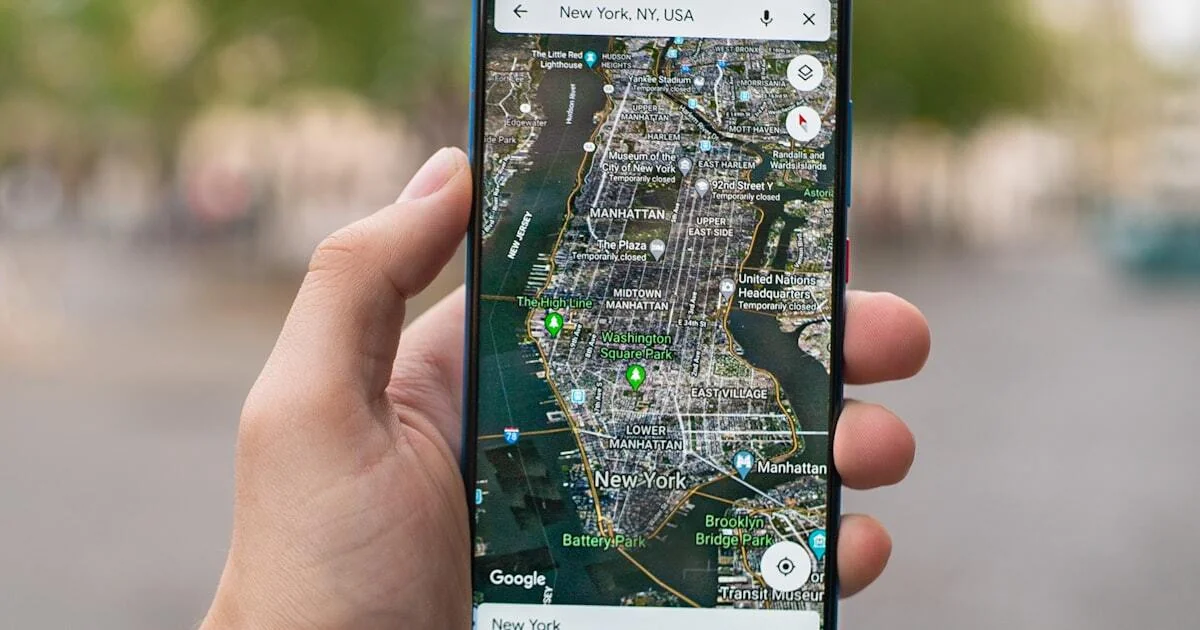
Your Google Business Profile is the listing that appears beside Google search results and in Google Maps when someone searches for your business or for your type of service nearby. It shows your phone number, hours, reviews, photos, and website link. For many local businesses I work with, that listing generates more calls than the website does.
Here is how to make it work harder for you.
How Do You Claim and Verify Your Profile?
Start at Google Business Profile and confirm the listing is yours. Google may have created one automatically from public information, but until you verify ownership you cannot control what it says.
Google's verification guide explains the available methods, which can include phone, text, email, video recording, or mail, depending on your business type and category. Verification can take a few days, so do this first and work on everything else while you wait.
One rule to respect from the start: your profile must represent a real business at a real location or service area. Google's guidelines for representing your business are the document that decides whether your listing survives, and violations get listings suspended rather than merely down-ranked.
Which Fields Actually Need to Be Filled Out?
All of them. Google rewards completeness, and its own guidance on improving local ranking states that complete and accurate information helps Google match your business to the right searches.
- Business name. Use your real name exactly as it appears in the world. Do not stuff keywords here. This is one of the most common causes of suspension.
- Primary category. Choose the most specific category that fits. "Plumber" beats "Home Services." This single field influences which searches you are eligible for more than anything else on the profile.
- Secondary categories. Add every relevant one. A restaurant might add "Catering Service" and "Takeout Restaurant."
- Address or service area. A full address if customers come to you. If you travel to them, set a service area instead and hide the address.
- Phone number. Use a local number rather than a toll-free line.
- Website. Link to the page that answers the searcher's question, which is often a service page rather than the homepage.
- Hours. Keep them accurate, including holidays. Wrong hours produce bad reviews faster than bad service does.
- Description. You get 750 characters. Say what you do, who you serve, and where. Write it for a human.
- Services and products. List each one with a description, and prices where it makes sense.
- Attributes. Things like wheelchair accessibility, women-owned, or free estimates. Google's attributes documentation covers which ones apply to your category, and some of them appear as filters people actually use.
How Important Are Reviews on Your Profile?
After the basic information, reviews are the most important thing on the listing. Volume, rating, and recency all feed into your local ranking, and they are the first thing a human reads.
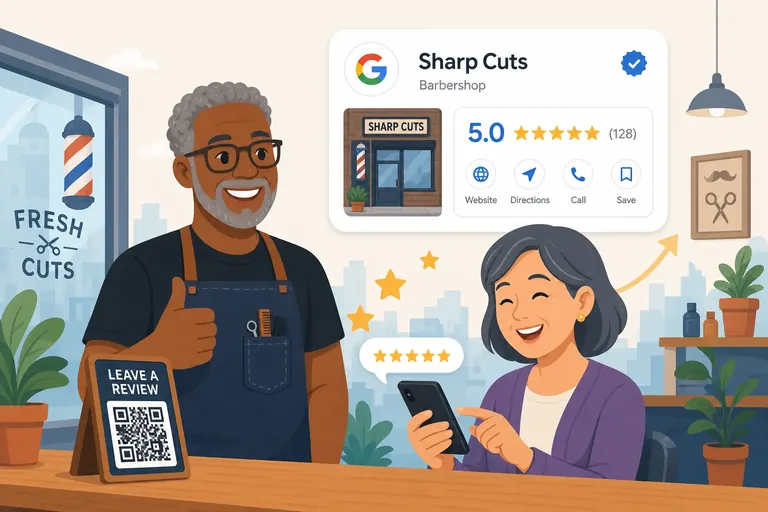
Getting them: ask every satisfied customer directly, right after the service, with a link that opens the review form in one tap. Consistency beats bursts, one or two a week beats twenty at once and then nothing. The full playbook is in my guide on how to get more Google reviews.
Responding to them: thank positive reviewers by name and mention something specific. Answer negative ones professionally, acknowledge the issue, and move the conversation to a phone call. Future customers read your responses as closely as they read the reviews.
What you cannot do is buy reviews, write them yourself, or reward customers for leaving them. That is a fast route to removed reviews and a restricted profile, and incentivized reviews without disclosure also run into the FTC's endorsement rules.
How Often Should You Add Photos?
At least one new photo a week, and use real ones. Google's guidance is that businesses with photos receive more requests for directions and more clicks to their websites, and profiles with fresh imagery simply look alive next to competitors whose last photo is four years old.
What to shoot:
- Your storefront and interior, so people recognize the place when they arrive
- Your team at work
- Completed projects or finished products
- Behind-the-scenes moments
- Customer interactions, with permission
Skip stock photography. Customers can tell, and it undercuts the exact trust the profile is supposed to build.
Should You Use the Posts Feature?
Yes, and almost nobody does, which is precisely why it is worth your time. Google's posts documentation covers offers, updates, and events, all of which appear directly on your profile in Search and Maps.
Post weekly about special offers, new services, events, seasonal announcements, or a genuinely useful tip. Keep it short and put a real call to action on it. Posts show Google and customers that the business is active, and they give people a reason to interact with the listing rather than bounce back to the results page.
What About the Q&A Section?
Monitor it, because anyone can ask and anyone can answer, including a competitor or a confused stranger.
Do two things. Answer every real question quickly and accurately. Then pre-populate the common ones yourself and answer them: "Do you offer free estimates?", "What areas do you serve?", "Do you work weekends?", "Is there parking?" That adds useful content to your profile and removes the small frictions that stop someone from calling.
Why Does the Primary Category Matter So Much?
Because it defines which searches you are eligible to appear in before any other signal is considered. A general contractor listed under "Contractor" and one listed under "Bathroom Remodeler" are competing in different auctions, and the second one wins remodeling searches the first never sees.
Pick the category that describes what you want to be found for, not the broadest one that technically applies, then add the rest as secondary categories. If you are not sure, search your main service in Maps and look at what the top three listings use. Their categories are visible on their profiles, and that is free competitive research.
Review this once a year. Google adds and retires categories regularly, and a category that was the best fit two years ago may have been replaced by something more specific.
What Breaks a Profile Fastest?
Three things, in order: keyword stuffing the business name, a virtual office or mailbox listed as a physical address, and hours that do not match reality. The first two are direct violations of the representation guidelines and get listings suspended, which takes weeks to appeal. The third does not violate anything, it just quietly destroys your reviews as people arrive to a closed door.
Also watch for duplicates. Businesses that moved, rebranded, or had a listing auto-created years ago often have two profiles splitting their reviews between them. Search your business name and address before you invest in optimization, because optimizing the wrong listing is a common and expensive mistake.
What Do the Insights Tell You?
Your profile includes performance data showing how people found you and what they did next.
Look at how many arrived through Search versus Maps, which searches surfaced your listing, and how many people called, requested directions, or clicked through to your site. Review it monthly, not daily, and treat the search queries as free keyword research. If people keep finding you with a term you do not have a page for, that is your next piece of content, which connects directly to why your website is not showing up on Google.
How Does the Profile Fit With the Rest of Your Marketing?
It is the cheapest asset you own, and it works best when the rest of the machine is in place.
Your profile drives calls, but the website behind it has to close them. If you are running paid traffic, that traffic should land on a page built for the purpose rather than your homepage, which I explain in landing page vs homepage. And if you are deciding where to put your next dollar between organic visibility and paid clicks, Google Ads vs SEO is the honest comparison.
An optimized profile does not replace advertising. It makes every advertising dollar work better, because people who see your ad often look you up before they call.
What Should You Fix First?
If you only have an hour, spend it on three things: your primary category, your hours, and asking five customers for reviews.
Category decides which searches you can appear in at all. Hours decide whether the people who show up have a good experience. Reviews decide whether anyone chooses you over the two listings next to yours. Photos, posts, and Q&A matter, but they matter after those three are right.
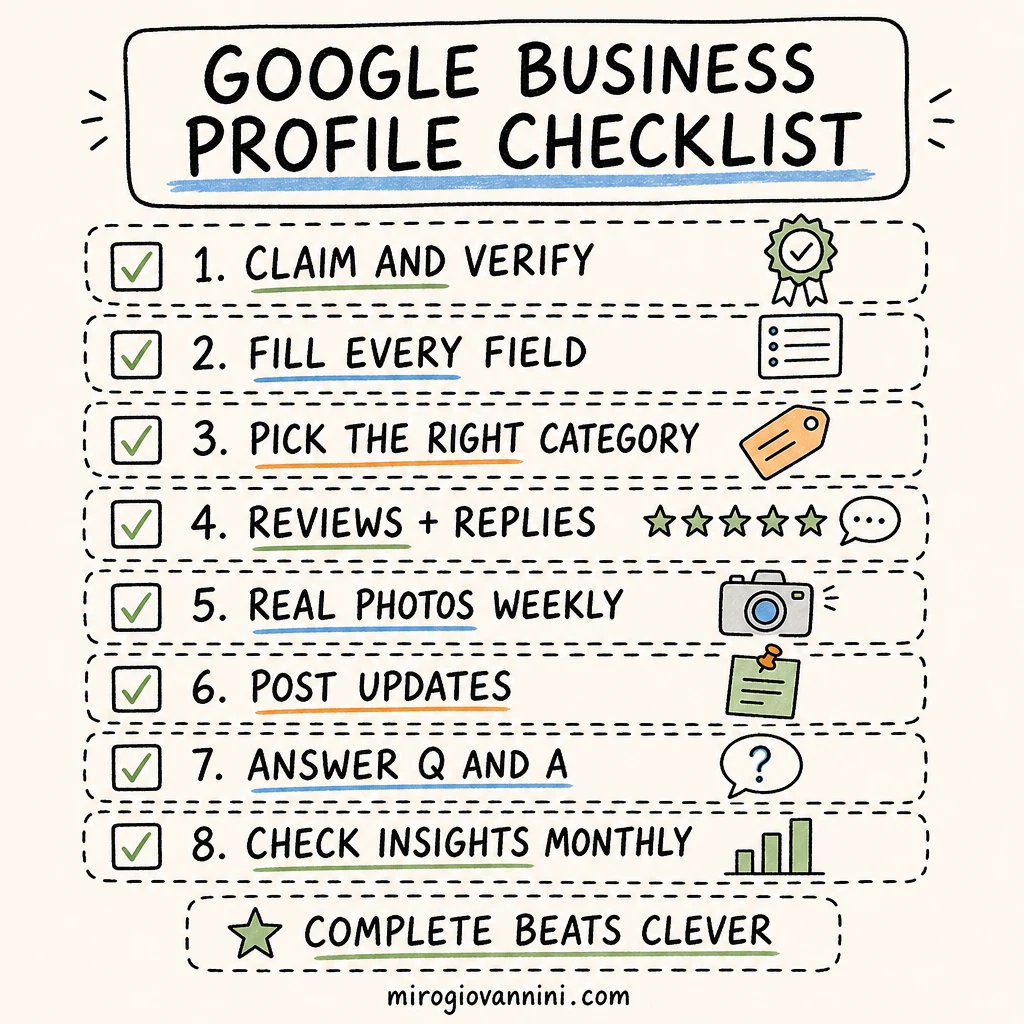
The Quick Optimization Checklist
- Profile claimed and verified
- Every field completed: name, categories, address or service area, phone, hours, description, services, attributes
- At least 20 real photos uploaded, with new ones added weekly
- A steady flow of reviews, every one answered
- A post published each week
- Q&A populated with the questions customers actually ask
- Hours updated for holidays and special events
- Website link pointing to the most relevant page, not always the homepage
- Insights reviewed monthly and search terms used for content ideas
Work through it once and then keep it alive. A profile that was perfect a year ago and untouched since is already losing to the competitor who posts weekly.
If you want a second opinion on your listing before you invest more in ads, book a call and I will review it with you.

Ready to bring in more customers?
Get a free 30-minute marketing review. We'll look at what you have today and identify the one or two changes that could make the biggest difference.