

5 Signs Your Website Is Costing You Customers
June 5, 2026 · By Miro Giovannini
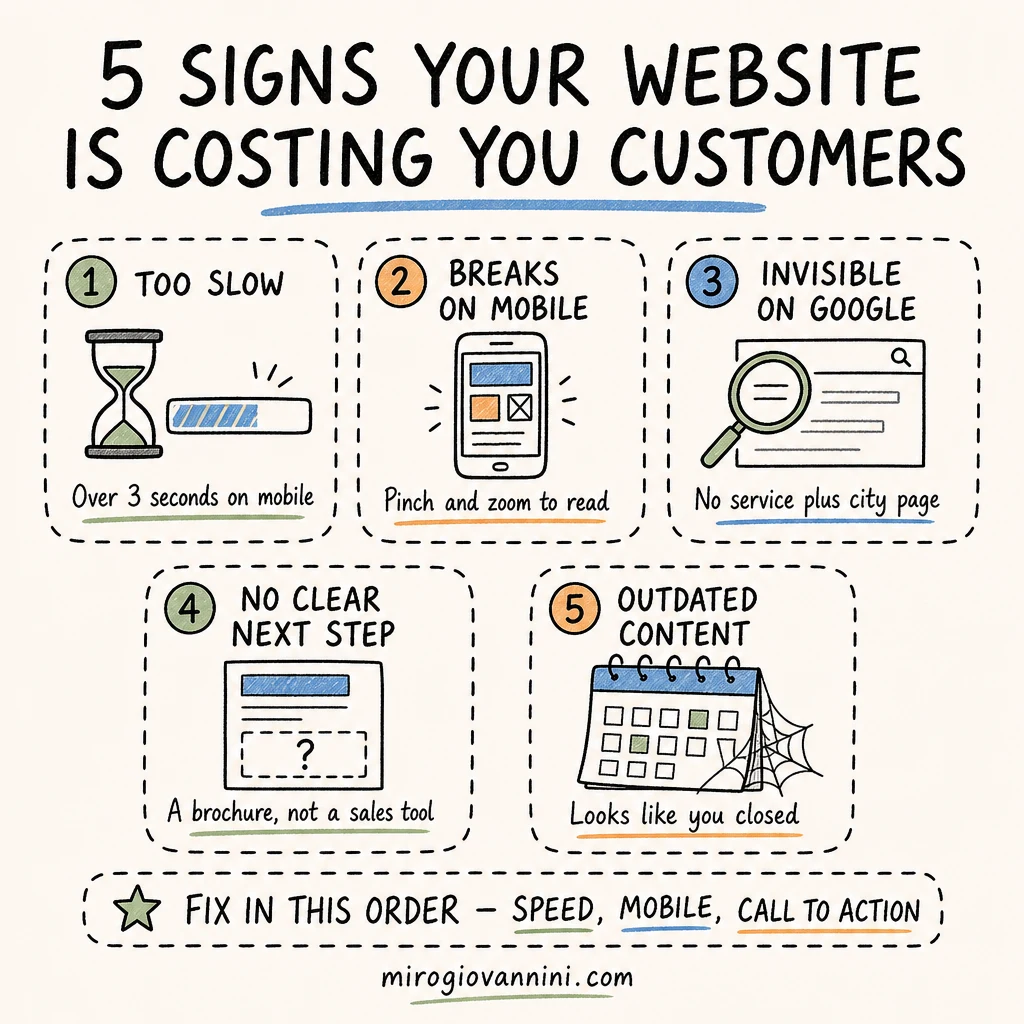
Your website is costing you customers when it loads slowly, breaks on a phone, cannot be found on Google, gives visitors no obvious next step, or looks abandoned. Those five problems are responsible for almost every "we get traffic but no calls" conversation I have with local business owners.
The site itself rarely looks broken. That is what makes this hard. It loads, the pages are there, the phone number is on it somewhere. But a website that merely exists is not the same as a website that turns a stranger into a phone call, and the gap between those two things is where the money leaks out.
Most of these sites were built once, years ago, and then left alone. What passed in 2020 does not pass now. Phones got faster and people got less patient, Google changed what it rewards, and your competitor down the road probably rebuilt theirs. Here is how to tell if yours is quietly working against you.
Sign 1: How Fast Should a Website Load?
A website should show its main content in under 2.5 seconds on a phone using a normal mobile connection. That is not my opinion, it is the threshold Google publishes as "good" for Largest Contentful Paint, one of its Core Web Vitals.
How Do I Test My Website Speed?
Open PageSpeed Insights, paste your URL, and look at the mobile tab, not the desktop one. Desktop scores flatter almost every site. The mobile number is the one your customers actually live with.
Then do the human version: pull out your own phone, turn off wifi, and open your site cold. Count. If you are still waiting past three, so is everybody else, and most of them will not wait.
What Makes a Website Slow?
In the sites I audit it is almost always the same short list. Images uploaded straight from a camera at 4,000 pixels wide when the page displays them at 800. A pile of plugins, each loading its own scripts on every page whether that page needs them or not. Shared hosting chosen on price alone. Video backgrounds and slideshows on the homepage. And chat widgets, tracking pixels, and font libraries that were added one at a time and never removed.
The fix is usually unglamorous: compress the images, delete what you do not use, upgrade the hosting. That alone often takes a site from four seconds to under two.
Why Does Speed Affect My Google Ranking?
Google's Core Web Vitals are part of how it evaluates page experience, so speed is a ranking input. But the bigger cost is not ranking, it is the visitor who never sees your page at all. And if you run ads, slow pages hurt twice: page load speed feeds into Quality Score in Google Ads, so you pay more per click for the same position.
Sign 2: Does Your Website Work Properly on a Phone?
Open your site on your own phone and try to do what a customer would do: find your price, find your hours, and contact you. If any of those takes more than a couple of taps, you found a problem.
What Does a Bad Mobile Experience Look Like?
Text so small you have to pinch and zoom. Buttons crowded so close together you hit the wrong one. A menu that will not close. A form with ten fields on a screen the size of your hand. A phone number written as plain text instead of a tappable link. A popup that appears immediately with a close button half off the screen.
Each of these looks minor to the owner, who knows the site by heart. To a first-time visitor holding a phone in a parking lot, they are reasons to go back to the search results and click your competitor instead.
Does Google Rank the Mobile Version of My Site?
Yes. Google uses mobile-first indexing, which means the mobile version of your page is the version it indexes and ranks. If content is hidden or missing on mobile, as far as Google is concerned it may as well not exist. A site that works poorly on a phone is being judged on its worst self.
This matters most for local businesses specifically, because local searches skew heavily to phones. Someone searching for a plumber, a restaurant, or a locksmith near them is almost never at a desk.
Sign 3: Why Can't I Find My Business on Google?
Search two things. First, your exact business name. Then what you do plus your city, the way a customer would type it.
If you do not come up first for your own name, something is fundamentally wrong: the site may be blocked from indexing, brand new, or penalized. If you come up for your name but nowhere for your service plus city, the site simply has not been built to say what you do and where you do it.
What Makes a Website Invisible in Local Search?
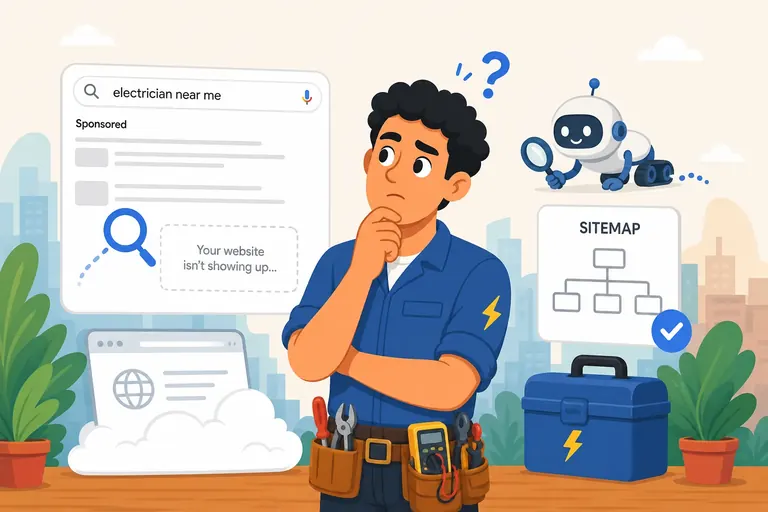
The common causes are boring and fixable. Pages with no unique title tags, so every page announces itself as "Home." Thin content that never names a single neighborhood you serve. A Google Business Profile that is unclaimed or disconnected from the site. No LocalBusiness structured data, so Google has to guess at your address and hours. And sometimes a noindex tag left on from the day the site was built, which quietly keeps the whole thing out of search.
Google's SEO Starter Guide covers the fundamentals here, and its local ranking guidance comes down to three things: relevance, distance, and prominence. Your website mostly moves the first and the third.
I went through the full diagnosis in why your website is not showing up on Google, including how to check whether your pages are indexed at all.
Sign 4: Does Your Website Tell Visitors What to Do Next?
Open your homepage and ask one question: what is a visitor supposed to do here? If the honest answer is "read about us," you have a brochure, not a sales tool.
What Is a Good Call to Action for a Local Business?
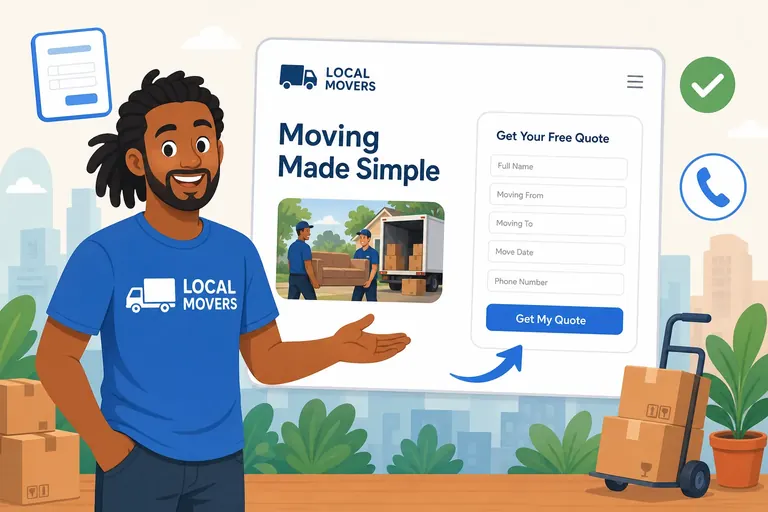
Something specific, visible without scrolling, and repeated. "Call now" as a tappable phone number in the header. "Get a free quote" as a button, not a line of text. "Book an appointment" that opens a real calendar. One primary action per page, stated in the words a customer would use.
Vague buttons cost you conversions. "Learn more" asks for effort with no promise. "Submit" tells people nothing. "Get my free estimate" tells them exactly what happens next.
How Many Fields Should a Contact Form Have?
As few as you can live with. Name, phone or email, and a one-line description of what they need is usually enough to start a conversation. Every extra field is another reason to abandon it, and you can ask the rest of your questions on the call.
Then test it. Fill out your own form from your phone and confirm the message actually arrives, in an inbox someone reads. I find broken forms constantly, on sites whose owners assume business is just slow.
Where Should Your Google Ads Traffic Land?
Not on your homepage. If you are paying for clicks on a specific service, send them to a page about that specific service with that specific offer. I broke down the difference in landing page vs homepage: where your Google Ads should go, and it is one of the cheapest fixes available to most advertisers.
Sign 5: Is Your Website Content Outdated?
Content is what tells a visitor whether you are still open, still good, and still worth calling. Outdated content answers all three questions badly.
What Signals That a Site Has Been Abandoned?
A copyright year that stopped two years ago. A "coming soon" page still coming. Stock photography of an office that is not yours. A blog whose most recent post is from 2022. Prices that no longer apply, or a service you stopped offering. Staff who no longer work there.
None of this is fatal on its own. Together they say the owner stopped paying attention, and people extend that assumption to the work.
What Should Be On Every Local Business Website?
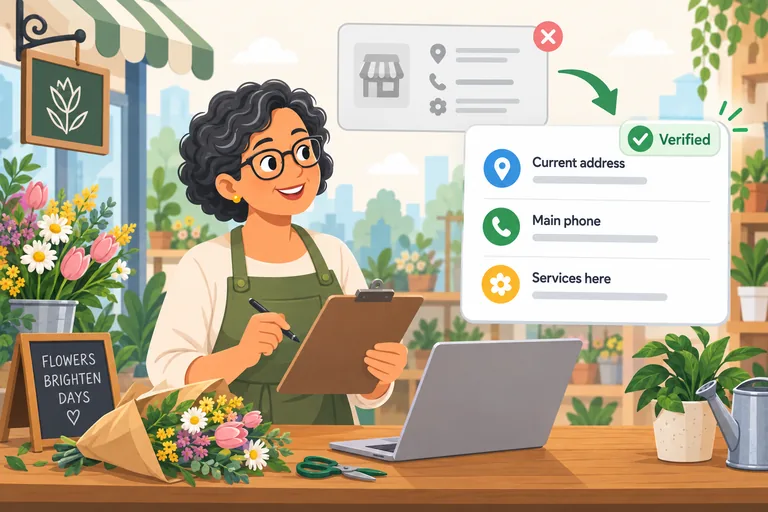
At minimum: what you do, who you do it for, and the specific areas you serve, named. Real photos of your actual work, team, or location, because customers can tell the difference. Current pricing or at least a pricing range, since the number one reason people bounce is not finding one. Reviews with names attached. Hours and a phone number that are correct everywhere they appear.
If you are not sure the site is even worth keeping, that is a fair question to ask before you spend anything. I covered it in do you need a website before running Google Ads.
How Do You Know Which Problem to Fix First?
Fix them in the order a visitor encounters them, because a fix further down the chain does nothing if an earlier one is still blocking.
Speed comes first, since nobody sees anything else until the page loads. Mobile layout second, since that is how most people arrive. Then the call to action, because that is what converts the visitors you already have. Then search visibility and content, which bring you more visitors, and which are worth far more once the site actually converts them.
That order matters for a practical reason: the first three cost the least and pay back the fastest. Doubling your conversion rate on existing traffic beats doubling your traffic, and it is usually cheaper.
Is It Worth Rebuilding or Just Fixing?
If the site is on a modern platform and the bones are fine, fix it. Compress the images, clean up the mobile layout, rewrite the calls to action, refresh the content. That is days of work, not months.
Rebuild when the platform is obsolete, when nothing is mobile-responsive, when nobody can edit it without a developer, or when the fix list is longer than a rewrite. A properly built local business site is typically a two to three week project, not a six-month one, and the point of it is not to look impressive. It is to load fast, work on a phone, be found, and make the next step obvious.
Before you spend anything, get a baseline: run PageSpeed Insights, check whether your pages are indexed, and count how many leads the site produced last month. Fixing a site without knowing those three numbers means you will never know whether the money worked. If you want the wider version of that measurement question, I wrote it up in how to know if your digital marketing is actually working.
I build fast, mobile-first websites for local businesses in the San Fernando Valley. If your current site is not bringing in leads, let's talk about what a new one could do for you.
Ready to bring in more customers?
Get a free 30-minute marketing review. We'll look at what you have today and identify the one or two changes that could make the biggest difference.